Log in TracklerPro    • login    •    About us    •    Help center    •.   Blog    • .   Contact


Notes

Plan faster, work more efficiently, and provide customers with a professional experience – all from one system.


Why appointments in Trackler?

Every coach knows it: planning takes time. Calendars get misaligned, appointments get lost in emails, and clients endlessly suggest, "Do you have time on Wednesday or Friday?"“

Trackler solves this with one integrated feature: less coordination. Fewer errors. More time for coaching.

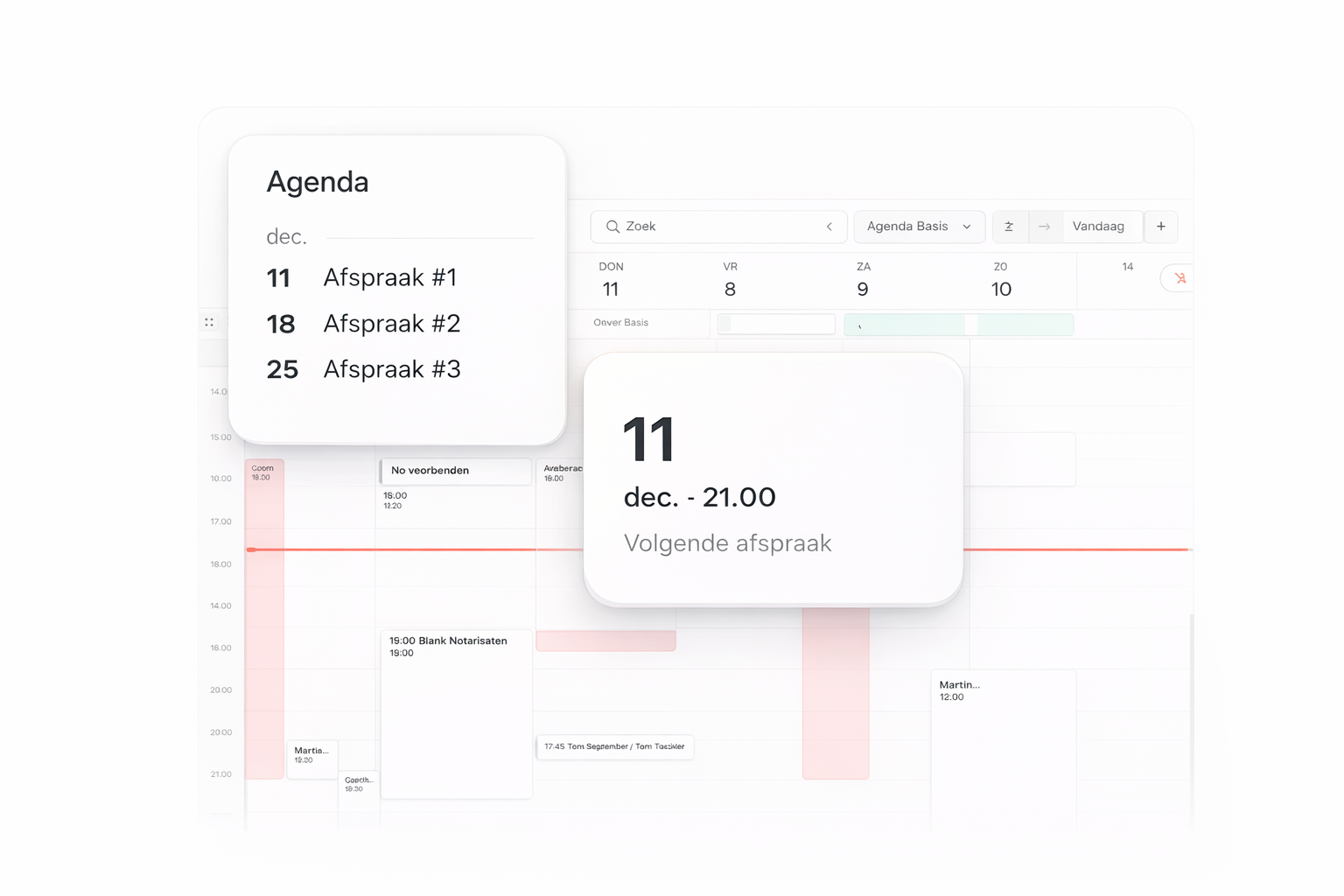
Calendar – your week at a glance

Stay on top of your schedule with a calendar that not only shows you appointments, but also helps you manage your work week.

  • Daily and weekly overview

  • Private, work and journeys in one view

  • Ideal for coaches and teams

  • Result: peace, overview and a realistic planning that suits you.

Appointment overview – always prepared, without searching

See immediately what your next session will be and which appointments are coming up.

  • A clear “next appointment” block

  • Overview of all upcoming sessions

  • Perfect for use on dashboards and within routes

  • The result: You never have to scroll through email or apps again to know what's going on.

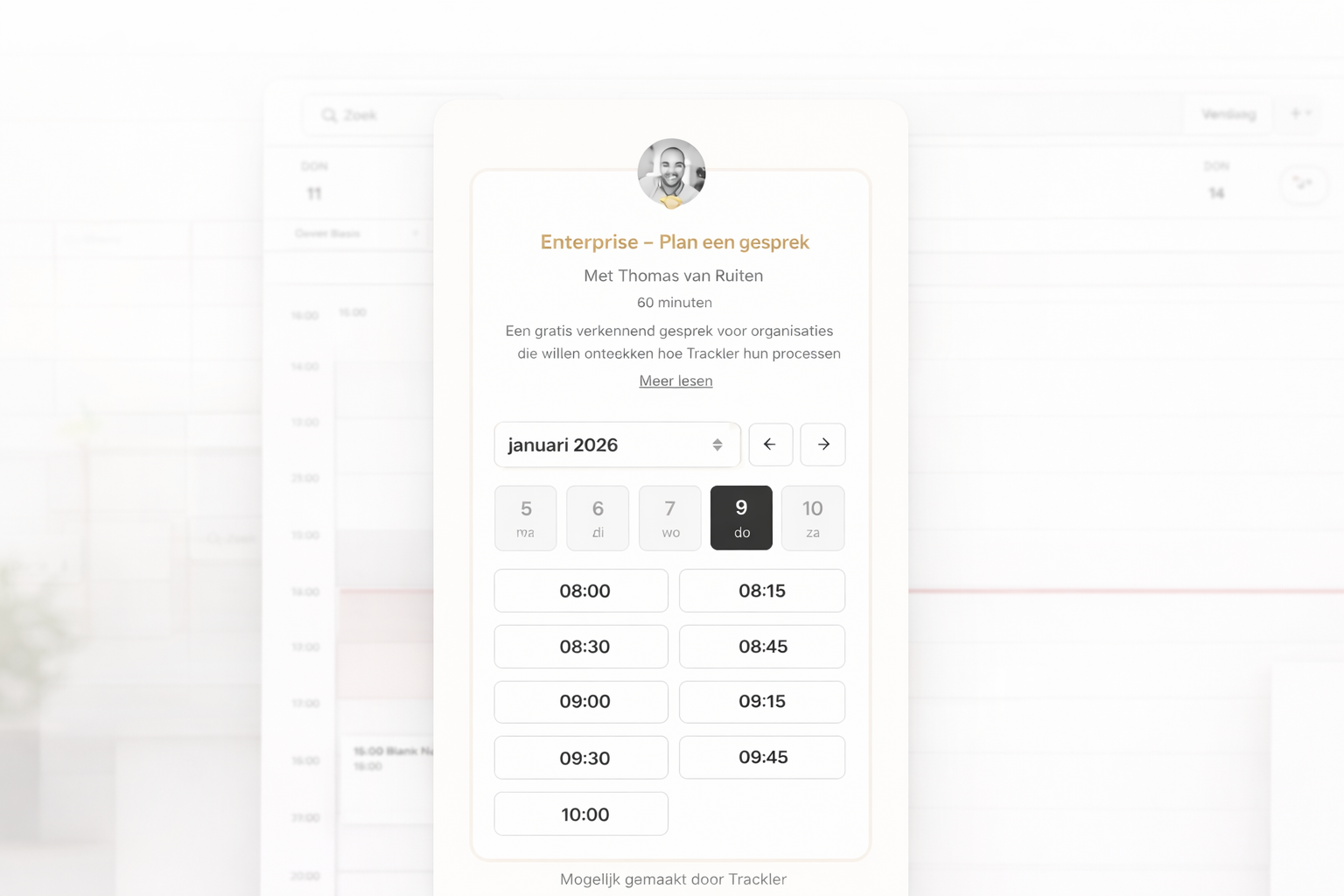
Scheduler – let customers plan themselves

Let customers schedule their own appointments within your availability – without messages, without hassle, without double bookings.

  • Set appointment types (intake, exploratory meeting, team session, etc.)

  • Determine duration, buffer time and location

  • Gather all the information you need in advance

  • Appointments appear instantly in your Trackler calendar

  • Automatically link follow-ups and forms

  • Result: less administration, more professionalism and a streamlined process for every customer.

Frequently Asked Questions

Does Trackler sync with my external calendar?

Yes, you can connect Google and Outlook. Double bookings are automatically prevented.


Can customers change their appointment themselves?

Yes. You decide if and until when that is allowed.


Does the scheduler work for teams?

Absolutely. Set availability per coach and let clients choose for themselves.


Can I create different conversation types?

Yes, including your own duration, location, buffer time, intake questions, and automations.


Can I request additional information when booking?

Yes. Add booking fields like company name, phone number, or trip length so you're prepared for the conversation.


Are reminders sent automatically?

Yes: confirmations, reminders and follow-ups can be fully automated.

Book a demo

For coaches:
More customers, without selling

A free online training course that teaches you how to build a steady stream of customers in a personal way, without sales tricks or funnels.