 John
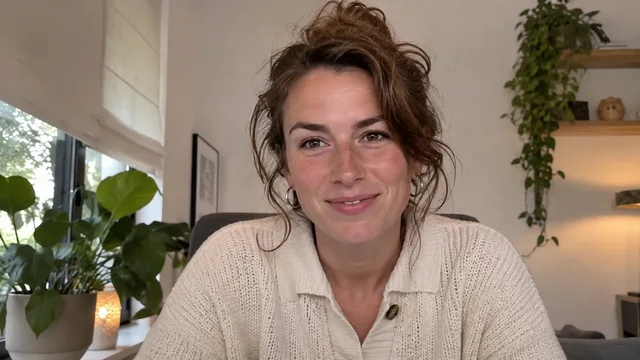

 Eva Dekker
 Amira Haddad
 Naomi Visser
Coach profiles
An overview with filters, and a profile page per coach.
More about matching
Basics
How Trackler worksThe platform at a glance The TrackOne place per programme OverviewAll programmes in one placeTrackler Sites
Put your coaches, programs and a scheduler online. One page, or one per client. Whoever chooses a coach starts a programme in Trackler straight away.
Coaches, programs and scheduler · Open or protected · On a domain of your own
The difference
From Trackler
An overview with filters, and a profile page per coach.
More about matchingAn assistant that asks follow-up questions and suggests three coaches.
More about matchingParticipants schedule an introduction or appointment right away.
More about appointmentsA chart from a dashboard, on a page.
More about dashboardsBuilding
Make the pages. A home page, a page per program, a coach overview. With a menu on top.
Fill them with blocks. Heading, text, image, video or steps. Below or next to each other.
Reuse what you make. You make a menu or footer once. A change then applies on every page.
One design for all coaches. Trackler makes a page of it for each coach.
Examples
Coaching organisation
Career agency
Employer
Career centre
How it works
Build
Pages with blocks. With a preview that looks along right away.
Publish
Test first, then live. Every landing page has a test version.
Access
Open or protected. You choose per landing page.
FAQ
No. Your website stays and links to the landing page. You build that yourself in Trackler, without a web builder.
Yes. You add your domain in the settings. Once it is linked, the page is live and you get an email.
Yes. Every landing page has a test version at an address of its own. You look at a change there first. Then you put it live.
Whoever has the Manage Sites right. Publishing is a separate right. Not everyone can put something live.
Yes. Then only people on the list get in. They get a code by email. A scheduler and public profiles can still be opened through their own link.
Yes, as soon as the page is live. So only choose insights without sensitive data.

👋 Hey! I am Caroline. I help you get started with Trackler.
In a demo we make a page with your coaches.